
TJ Equity
Stock screener · Web + Android
Every listed Indian company screened sector by sector, with IPO GMP and mutual funds measured against their benchmarks.
TJ Reader · Document reader · Android
TJ Reader opens the PDF invoice, the Word letter, the Excel price list and the PowerPoint presentation in one small app. Every file is opened on your phone, and your history stays on your phone.
.pdf, .docx, .xlsx and .pptx, plus text and CSV files, in one app.
Every sheet in its own tab, Excel number and date formats, frozen headers.
Find in documents, night reading, go to a page and pick up where you stopped.
Reopen any document in one tap. Search, star or remove – kept only on your phone.
Share to any app, open it elsewhere, or print and save as PDF.
No storage permission, no sign-in, no ads. Documents never run code or go online.
Real screens from the app.
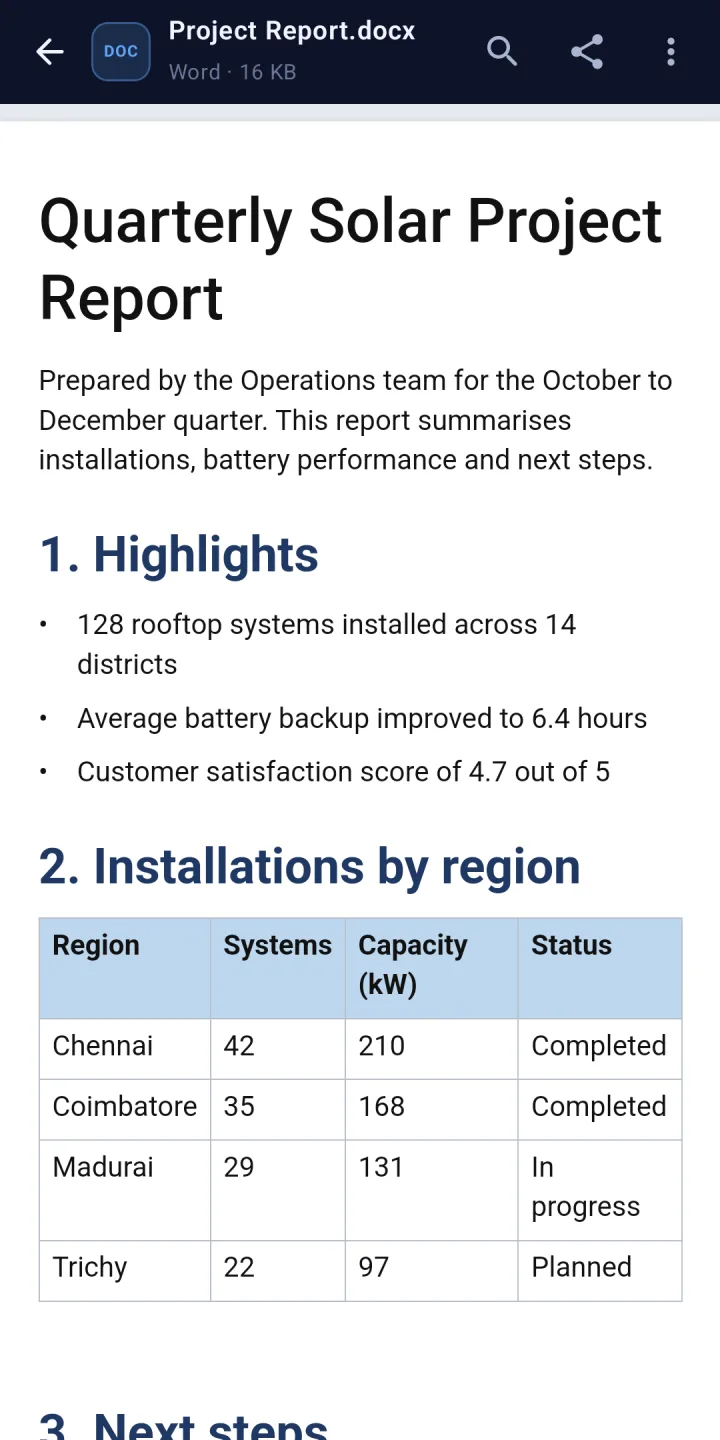
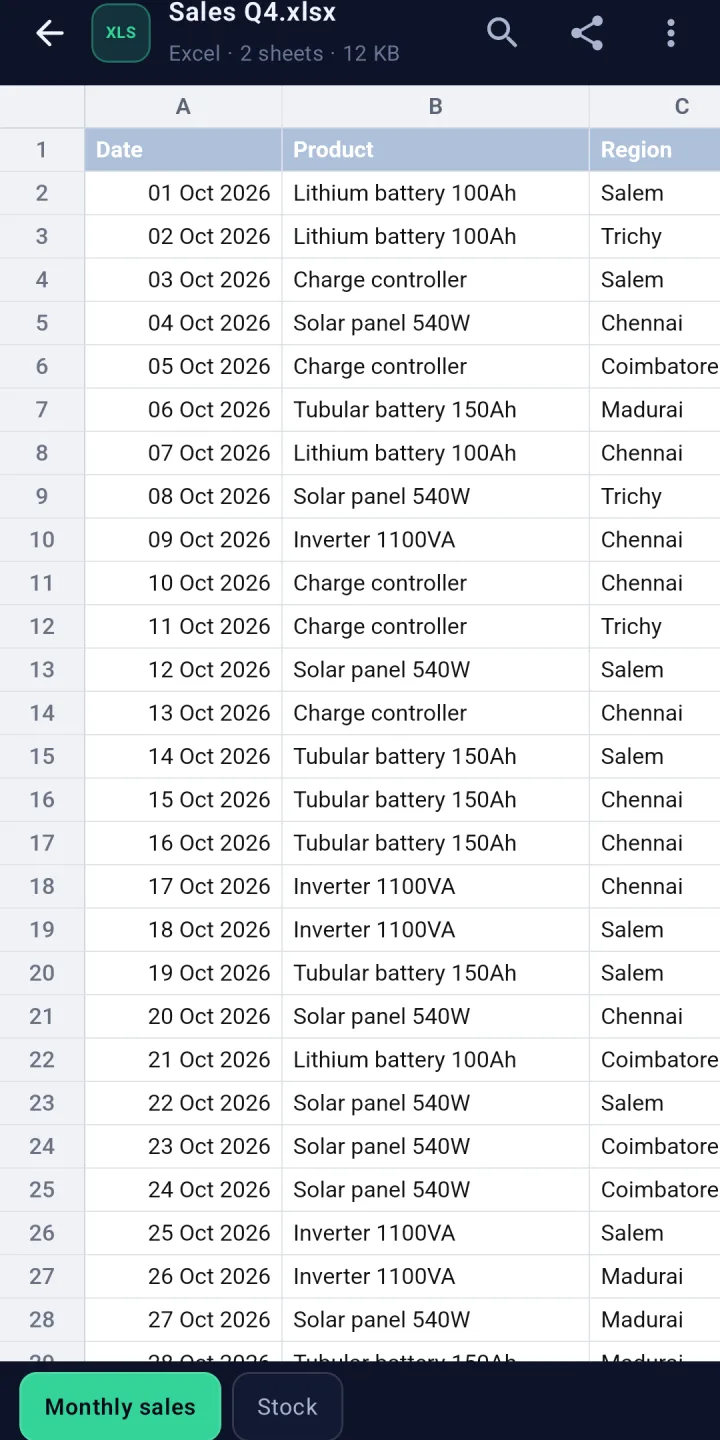
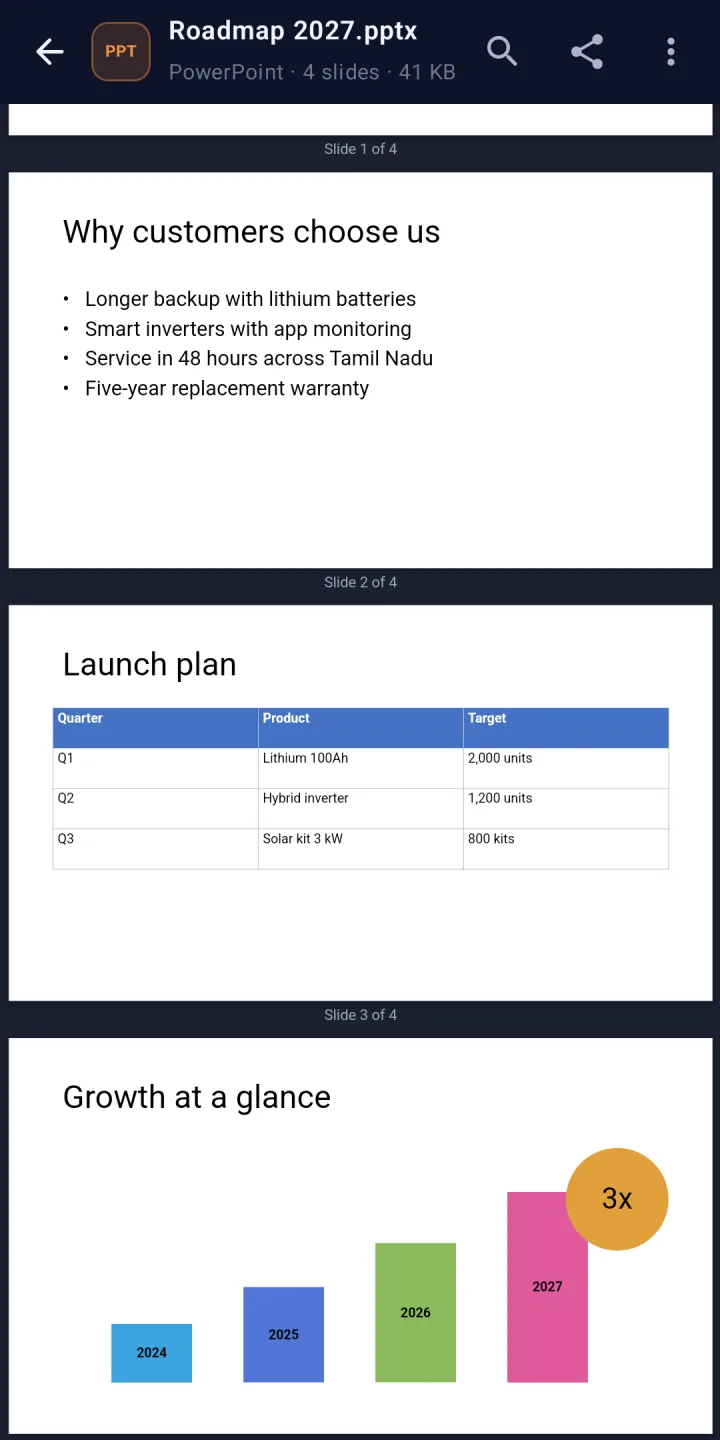
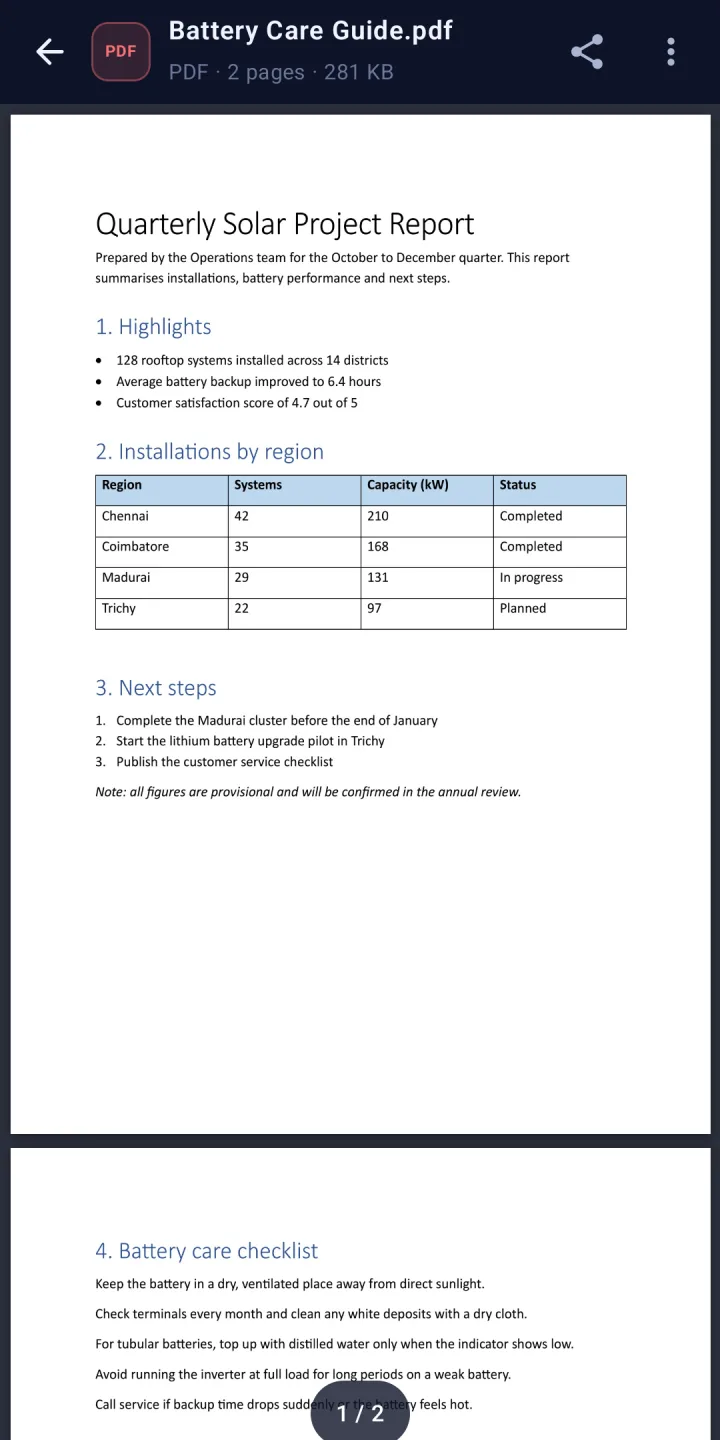
Most phones need a different app for each kind of document. TJ Reader opens all the common ones: PDF pages are drawn sharp by Android's own PDF engine, Word files keep their headings, lists, tables and pictures, Excel workbooks show every sheet with the same number formats as Excel, and PowerPoint slides show their text, pictures, shapes and tables.
TJ Reader never uploads a document, its name or its contents. You choose each file in Android's own file picker, or send it from WhatsApp, Gmail or Drive with "Open with" or "Share". Sharing is the only way a document leaves the app. The only thing sent to us is an anonymous once-a-day count, which you can switch off.
Every document you open is listed in History on your phone with where you stopped reading. Search it, filter it, star files, remove one or all, or turn History off. Removing an entry never deletes the file.
Yes. TJ Reader is free, with no ads, no sign-up and no in-app purchases.
No. Every document is opened on your phone and history is kept only on your phone. The only thing sent is an anonymous daily install count, which you can turn off in Settings.
PDF, Word (.docx), Excel (.xlsx), PowerPoint (.pptx and .ppsx), text and CSV. The older .doc, .xls and .ppt formats and password-protected files are not supported yet.
Any Android phone with Android 8.0 or newer. The download is about 1.1 MB.
Stock screener · Web + Android
Every listed Indian company screened sector by sector, with IPO GMP and mutual funds measured against their benchmarks.

SIP research · Web
Fixed SIP date every month, or wait for market dips? Ten years of Nifty 50 data, FII/DII flows and simulated SIPs.

Calorie tracker · Android + Web
An Indian calorie counter and diet tracker with 466+ Indian foods, water, steps and weight, and a personal daily plan.

QR & barcode scanner · Android
A fast, private QR code and barcode scanner and QR maker. Codes are read on your phone and your history never leaves it.

App downloads · Web
The official download site for TJ Prime Android apps: signed APKs, install guides, what is new and anonymous reviews.